PICK YOUR MUSIC
Your favorites. Your moves.
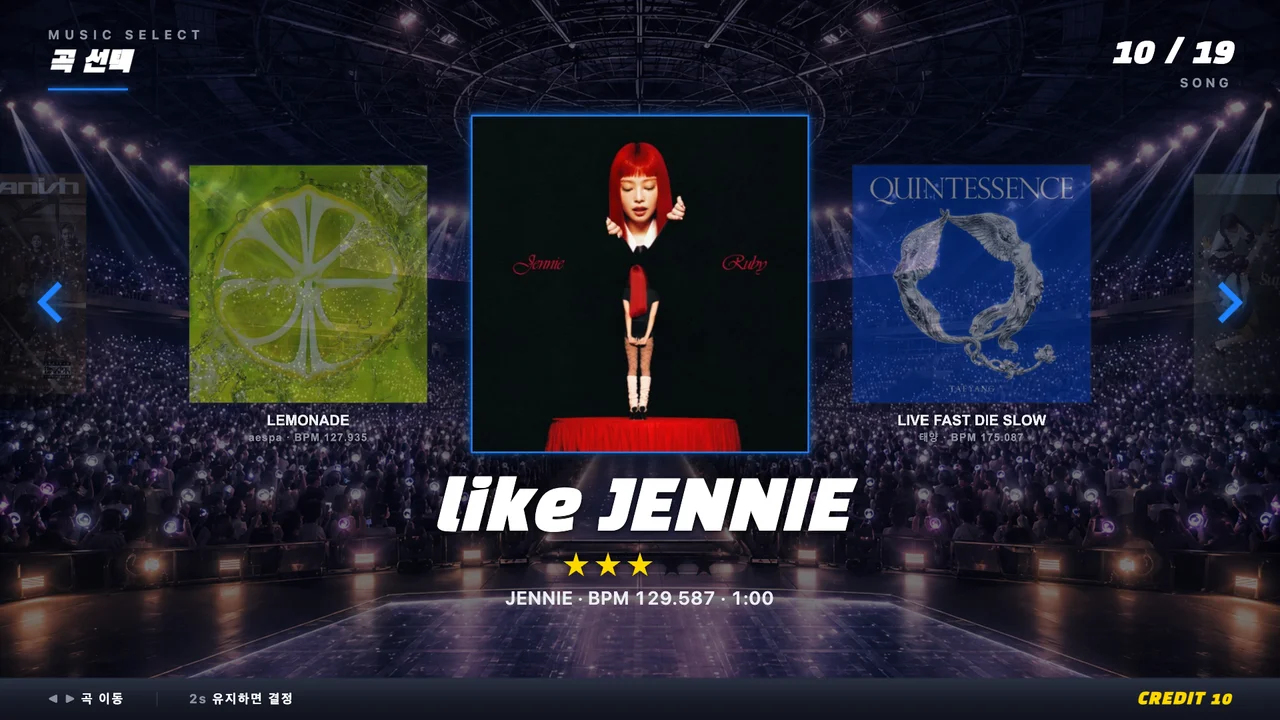

CHOOMCHOOM · K-POP EXPERIENCES FOR YOUR SPACE
Dance, create, and see yourself in a new light.
Bring three hands-on K-POP experiences to your venue.
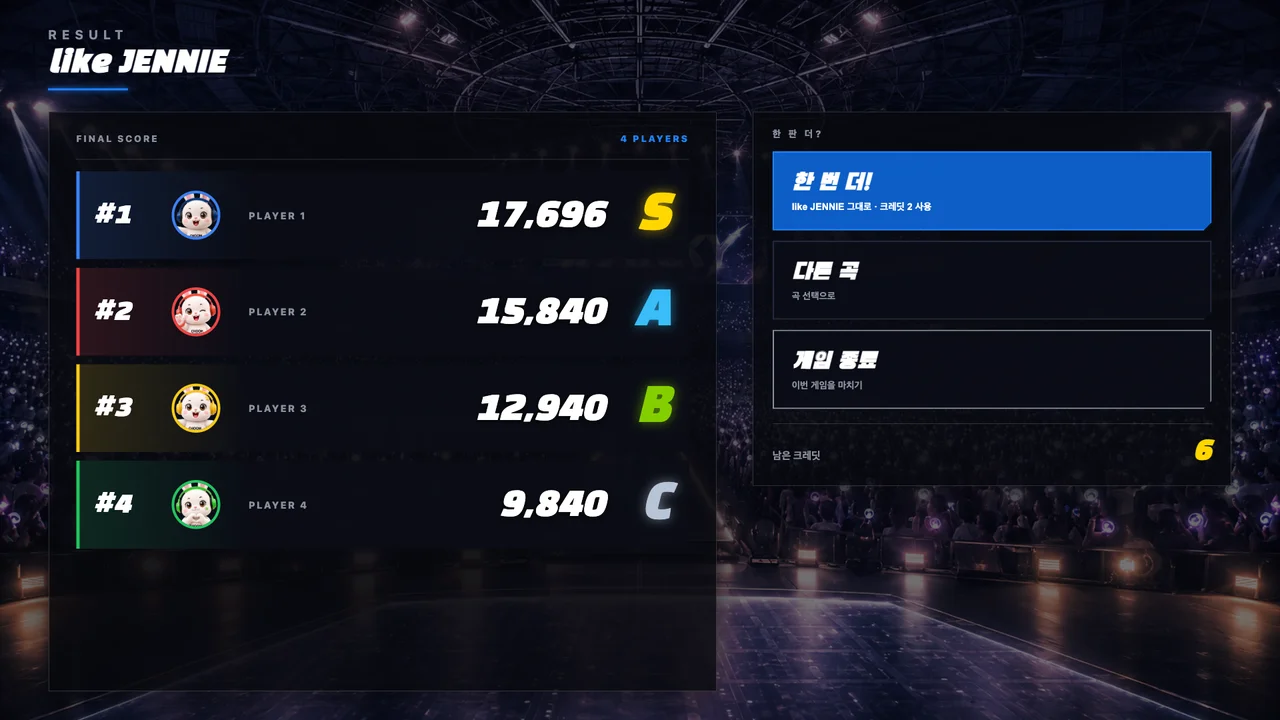
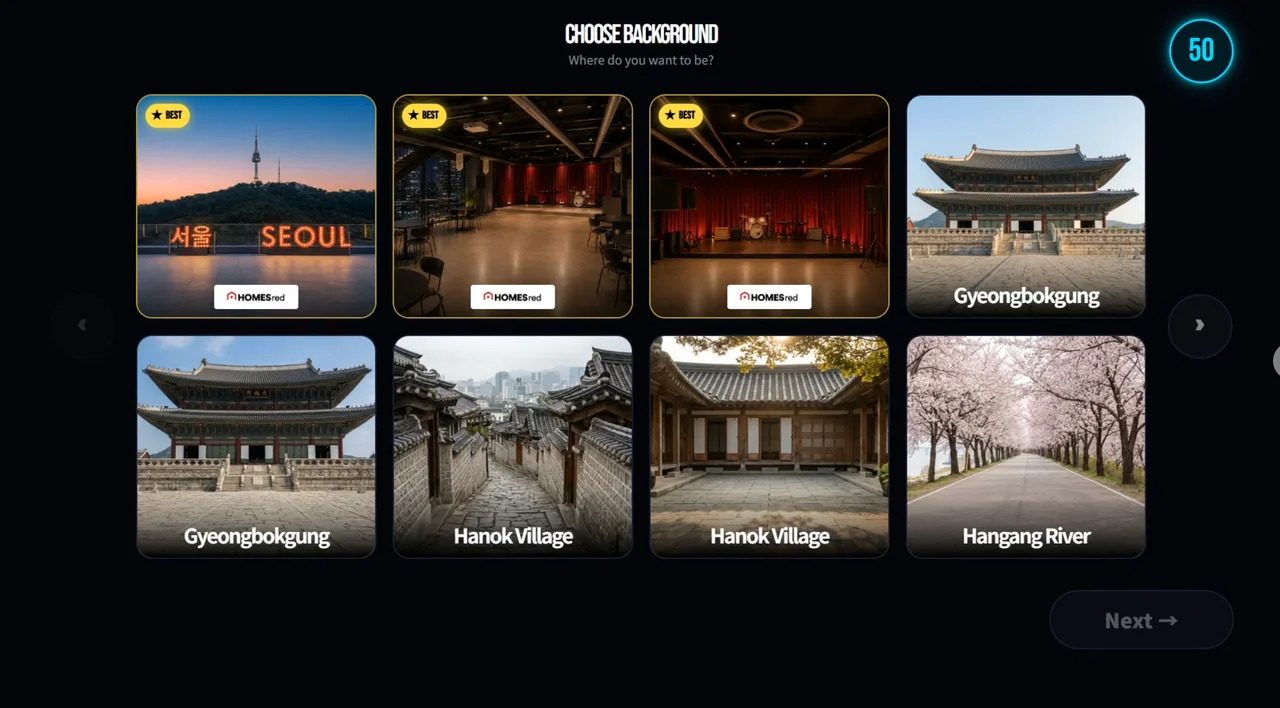
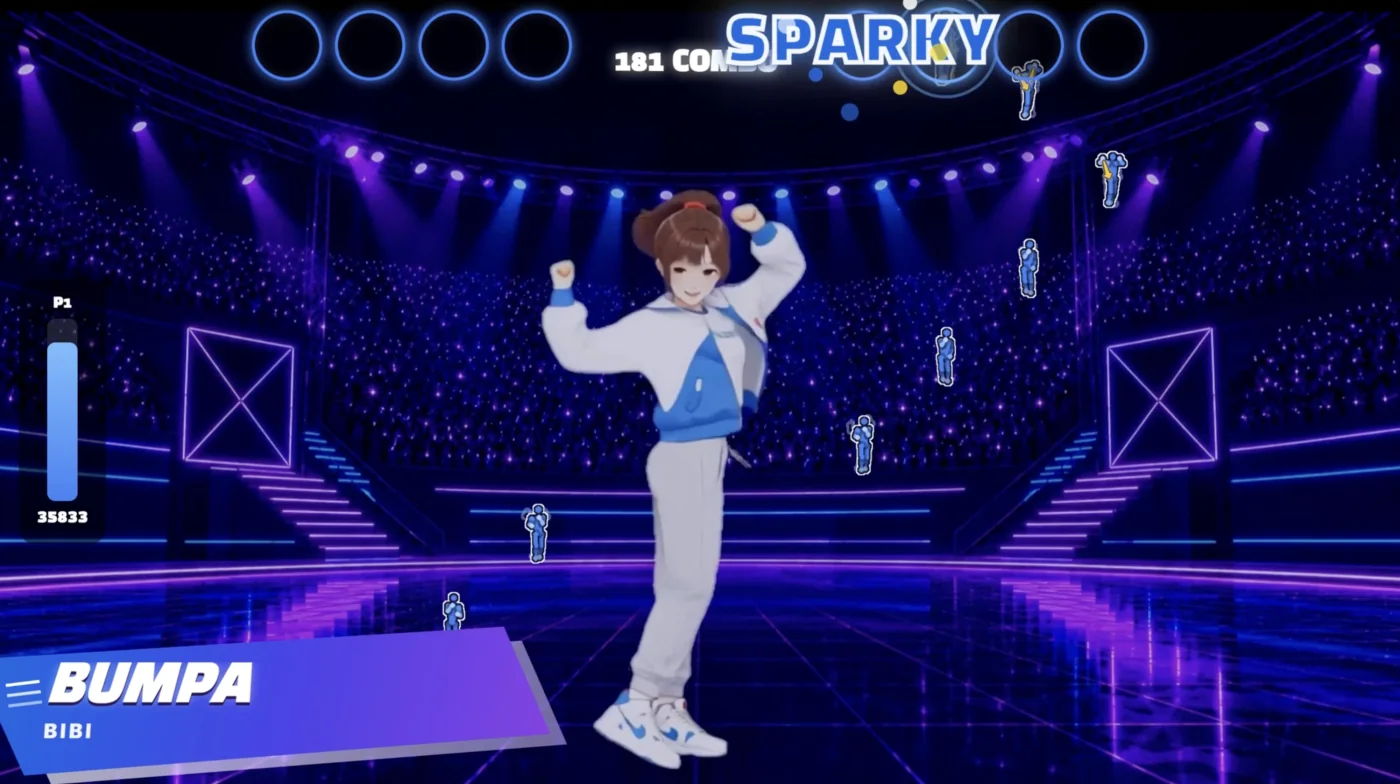
01 / CHOOMCHOOM DANCE
Dance to your favorite K-POP tracks and challenge your friends to beat your score.
Bring your space to life with an experience that makes even spectators want to join in.
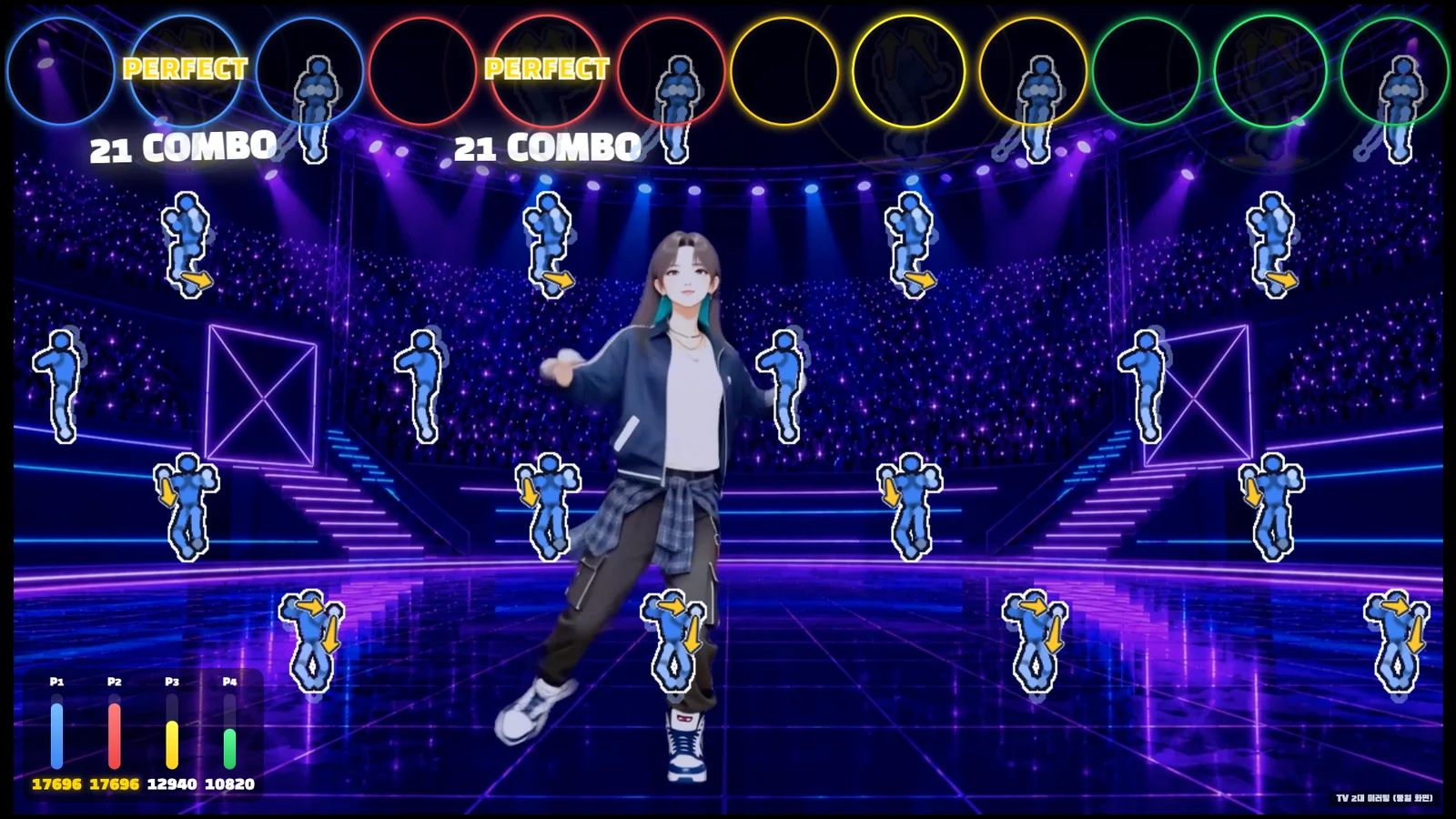
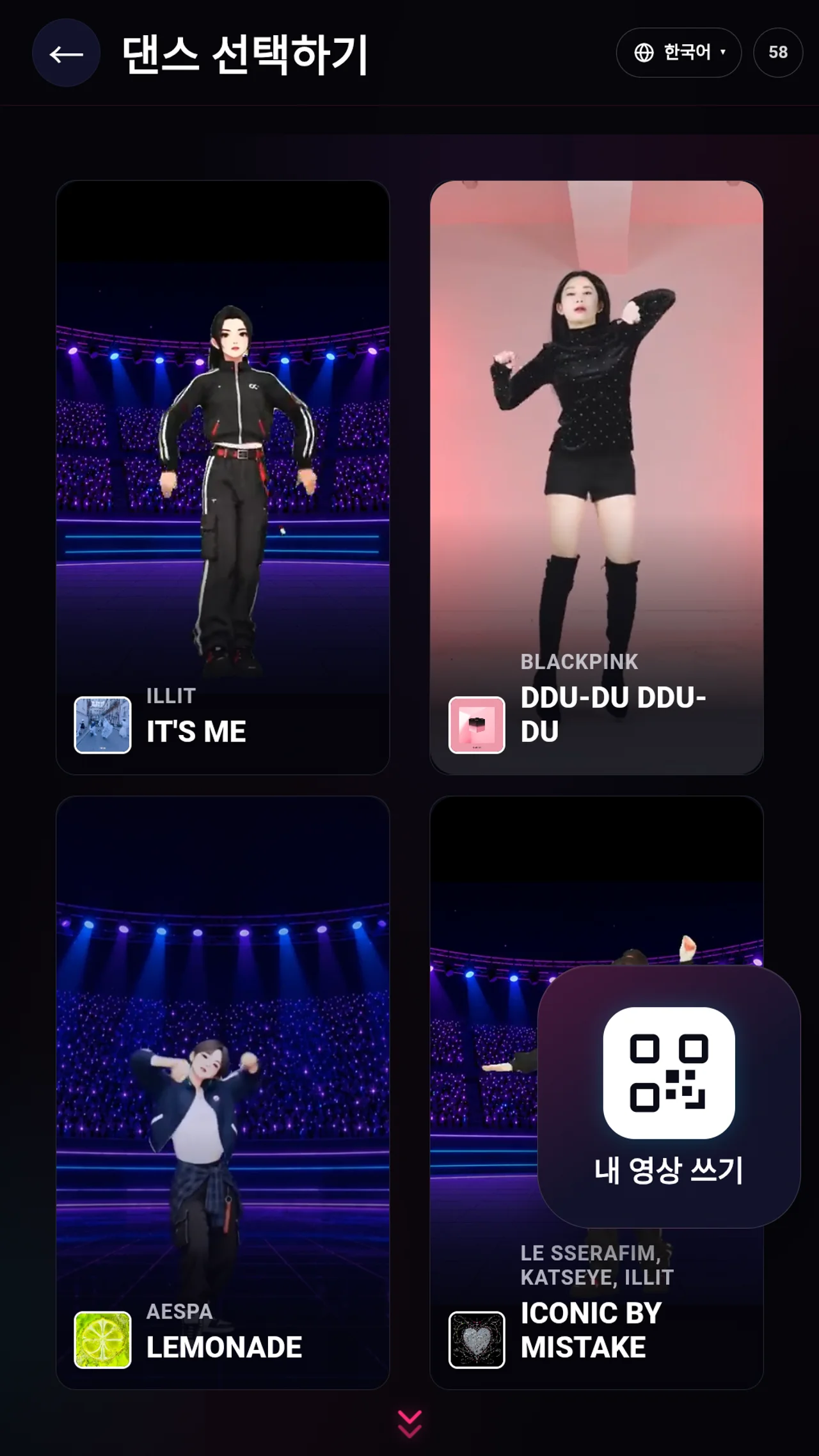
PICK YOUR MUSIC
PLAY TOGETHER
02 / CHOOMCHOOM ANIMATE
Turn a photo of yourself or your pet into a K-POP dance video.
Give visitors something new to enjoy: a video they create themselves and can’t wait to show others.
Give your still photo
a sense of rhythm.
MAKE IT YOURS
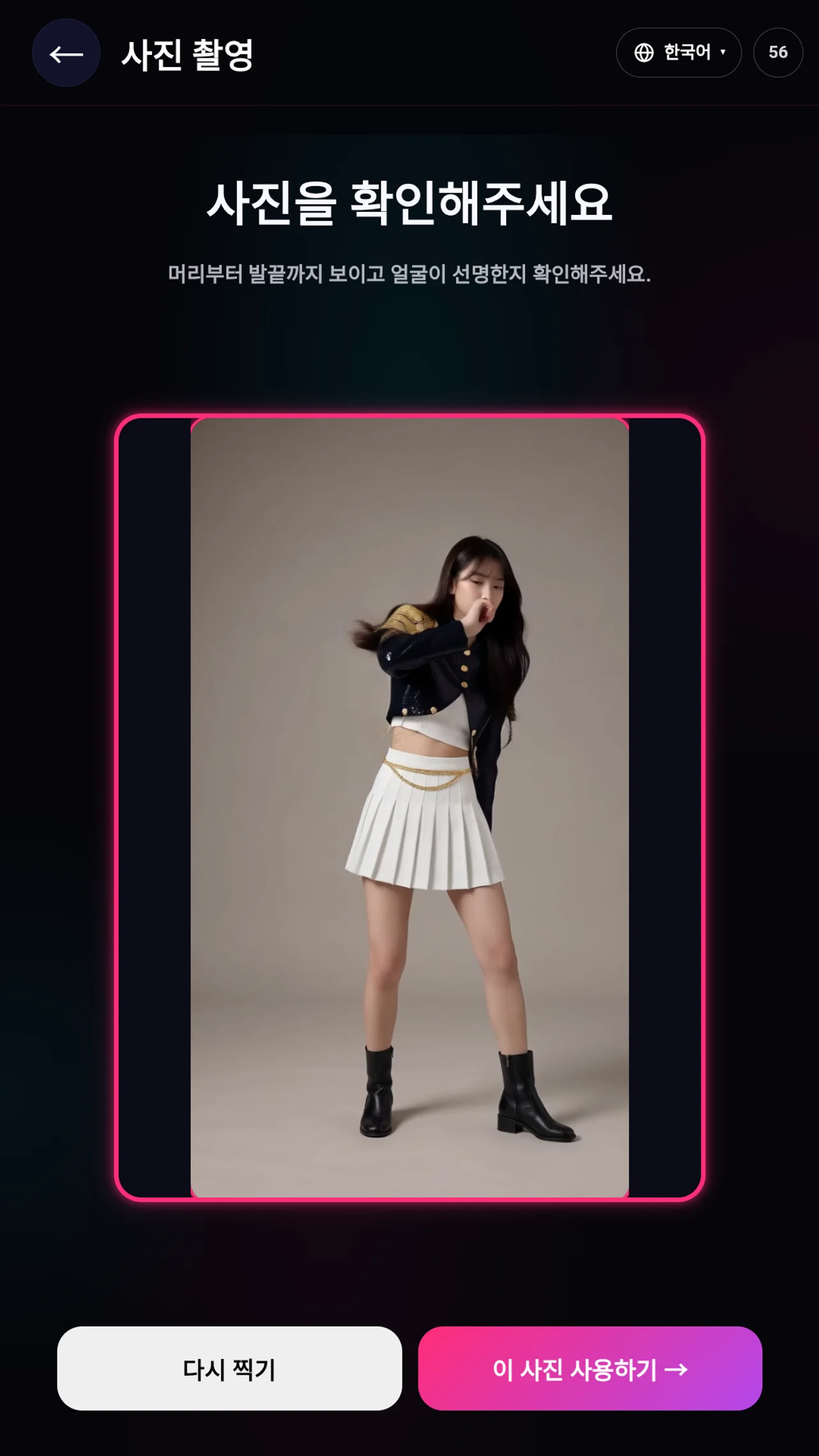
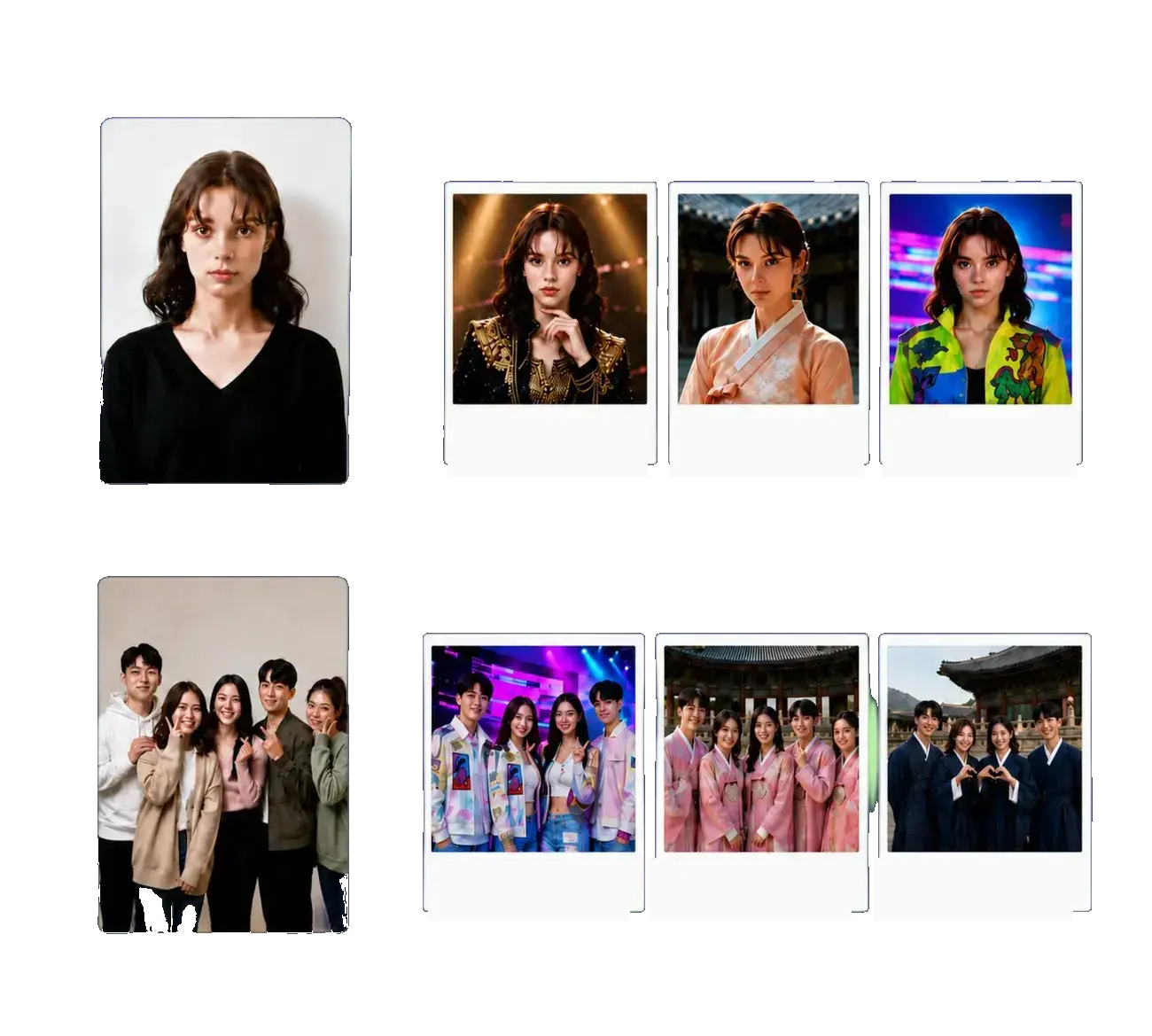
03 / CHOOMCHOOM AI PHOTO
Go beyond choosing a frame: use AI to change the outfit and setting in your photo.
Add the fun of transformation to the familiar photo booth, giving visitors a new reason to explore your space.
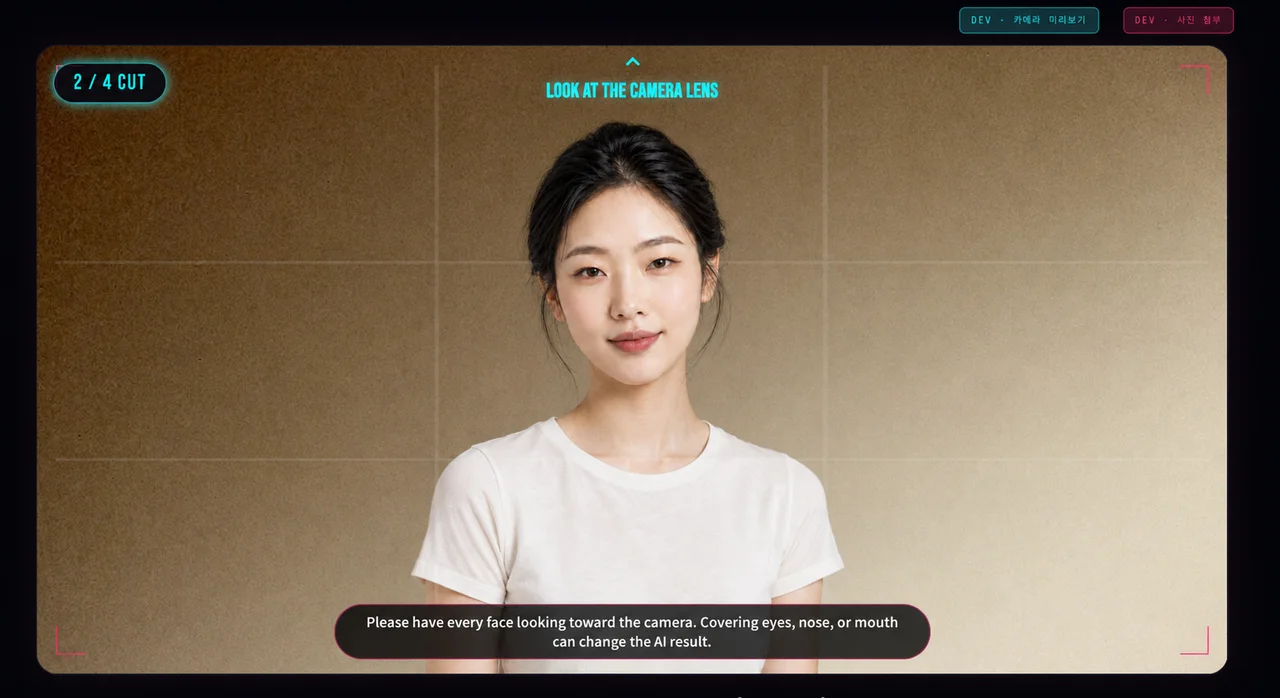
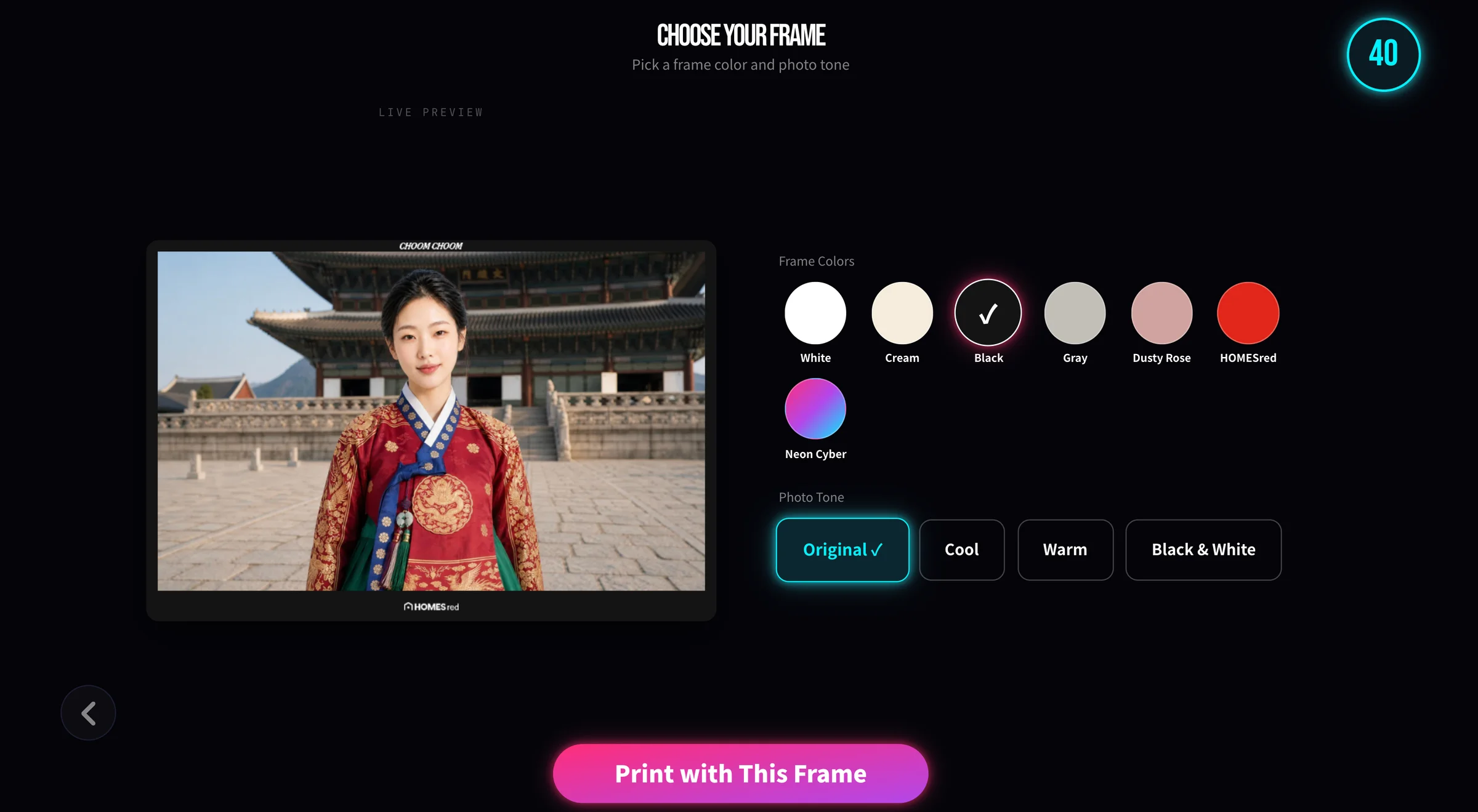
YOUR STYLE
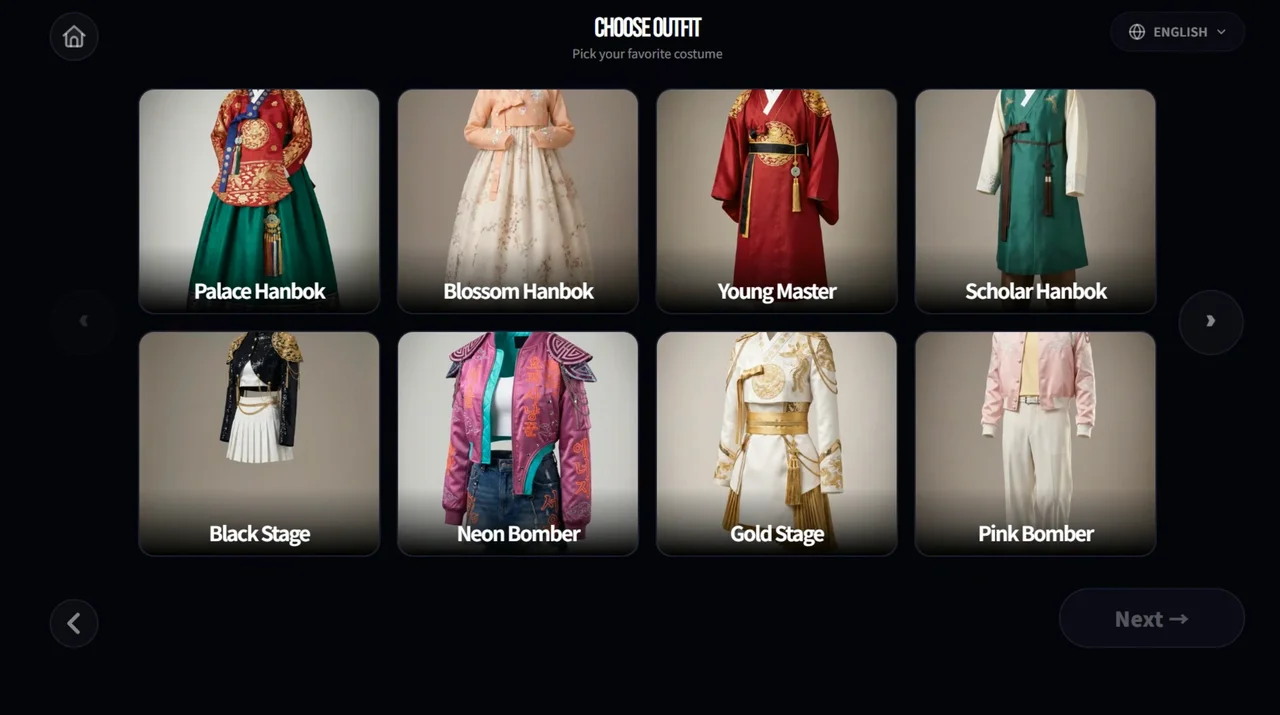
YOUR SCENE
MORE THAN A MOMENT
A great experience starts in your space
and stays with your visitors.
An on-screen stage and people playing together
give passersby a reason to look closer.
Dancing and transforming their own photos
put visitors at the heart of the experience.
Photos and videos they create themselves
keep the experience with them after they leave.
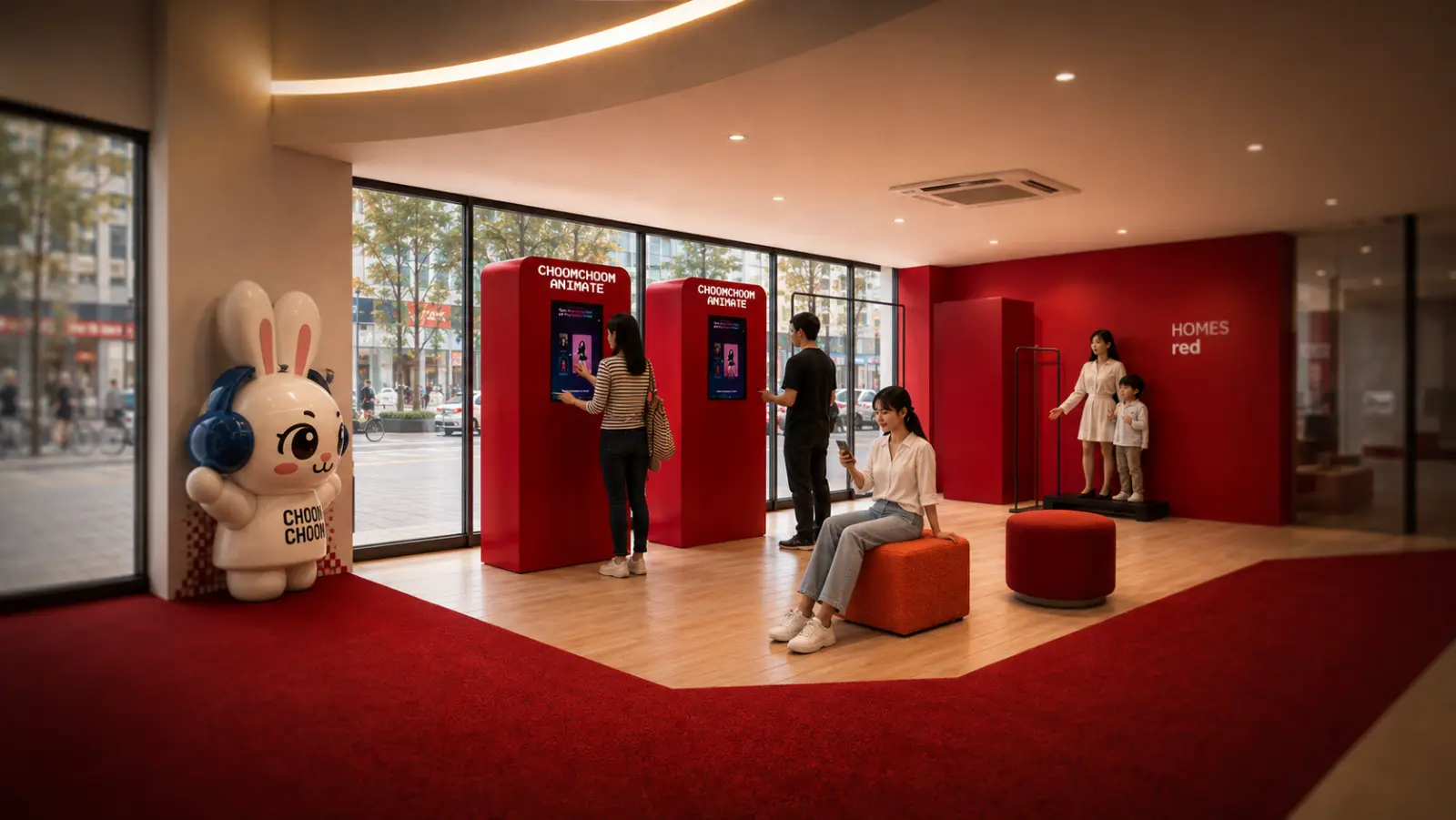
A PLACE FOR CHOOMCHOOM
Three experiences in one place.
More ways for visitors to enjoy their time.
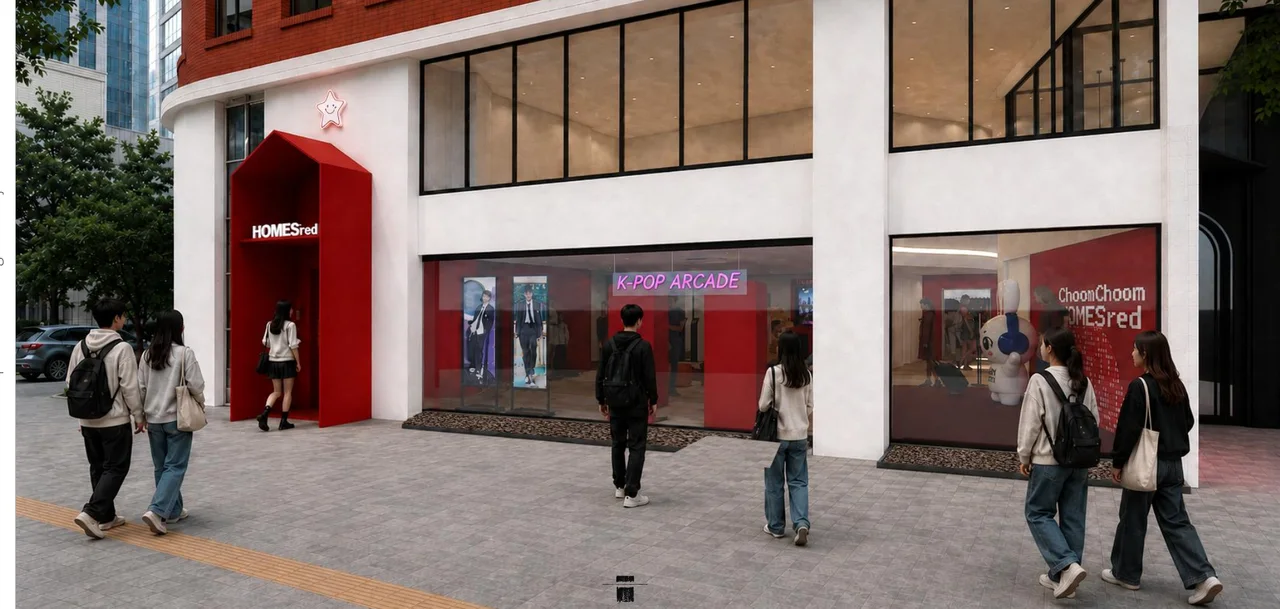 SPACE CONCEPT · Architectural visualization
Dance, Animate and AI Photo in one K-POP arcade.
The next scene could be in your space.
Let’s talkMADE FOR YOUR SPACE
Explore the experiences that suit your venue.
Equipment and installation requirements are discussed during consultation.
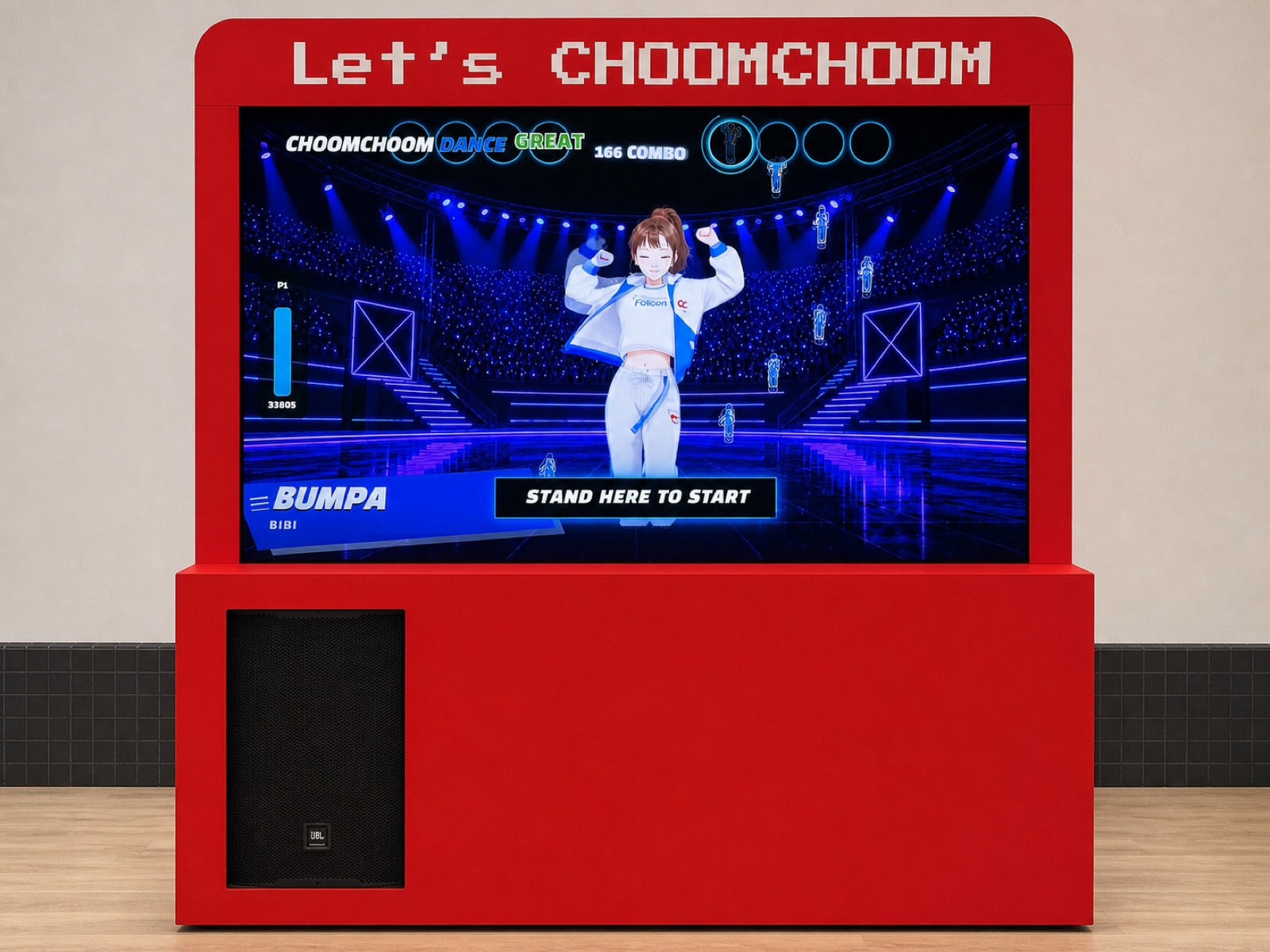
01 / DANCE
A K-POP stage to share
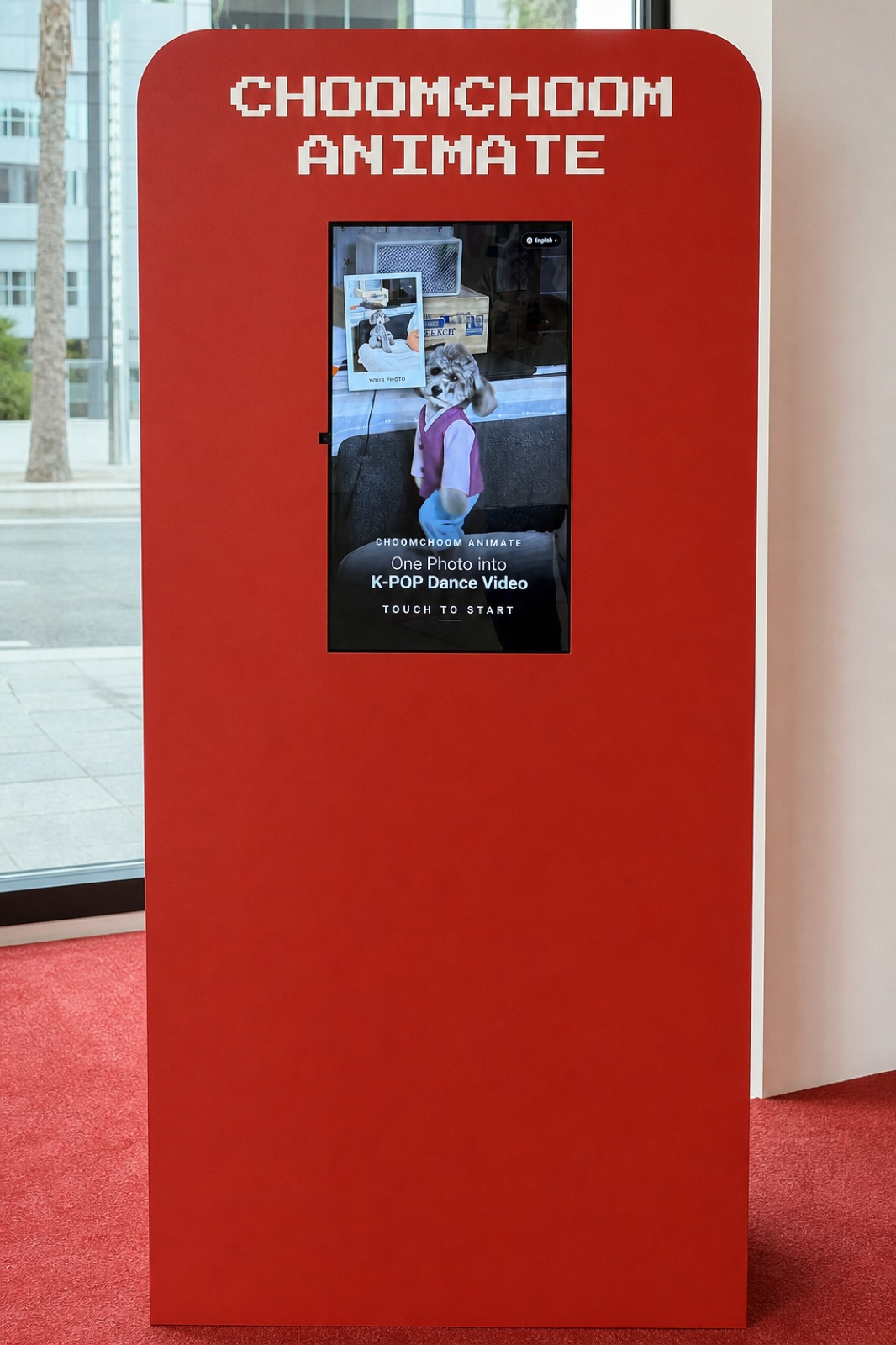
02 / ANIMATE
One photo. New moves.
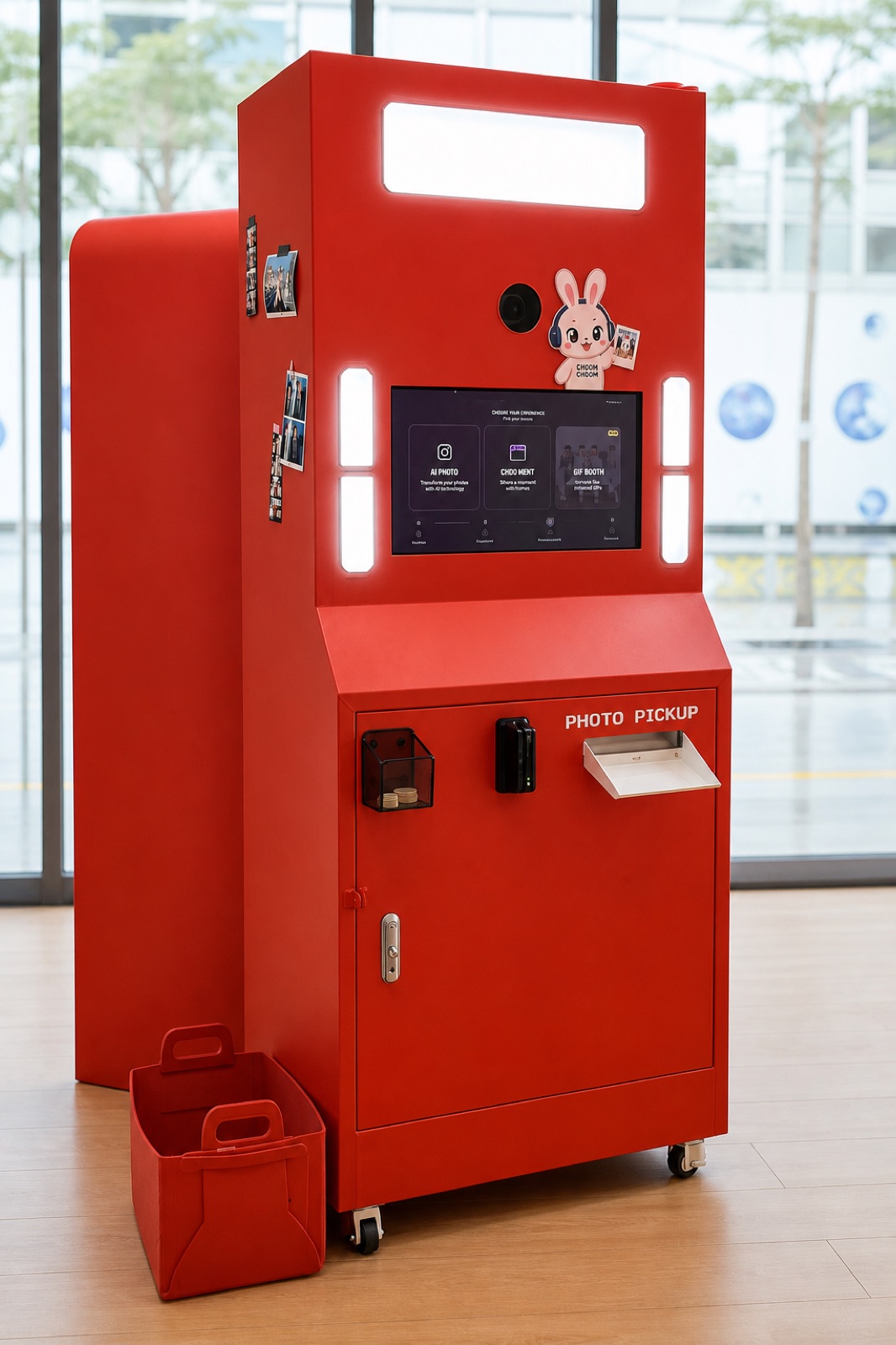
03 / AI PHOTO
You, in a whole new scene.
Costs depend on the products, equipment and installation configuration.
FROM IDEA TO EXPERIENCE
Share the venue type, location and available floor space. Let us know whether it is a pop-up or permanent installation, and when you hope to start.
Explore products for your intended experience. Review equipment placement, queues, power, internet and whether existing equipment can be used.
Confirm costs and timing for the proposed setup. Discuss visitor guidance, maintenance and any photo-printing requirements.
Dance brings people together to move and watch. Visitors follow the choreography on screen, so allow room for players, spectators and queues.
Animate turns a photo into a dance video. It suits a photo-based video experience.
AI Photo goes beyond a traditional photo booth. Visitors change the outfit and background in their photo without changing clothes or moving to another set.
Tell us about your visitors and the experience you want to offer. We can start with product selection.
Allow for visitors playing and waiting as well as the machine itself. Prepare the width and depth of the proposed area, plus photos or a floor plan. Dance needs room to move; Animate and AI Photo need suitable shooting positions and queues.
Tell us about power outlets, internet access and any display, camera or printing equipment you already have. Specifications and compatibility are reviewed for your chosen product and location.
Share your preferred products, location, quantity, operating period and target start date. Include existing equipment and options such as photo printing.
Costs vary with the product and installation. Ask which costs are upfront or ongoing, and what is included or charged separately. If you have a budget range, let us know.
Tell us the intended format and duration. For a pop-up, share event dates, setup and removal windows, and expected attendance. For a permanent venue, share the target opening date, operating hours and on-site staffing.
Availability, installation timing and operating conditions are confirmed during consultation.
Decide who will guide visitors and respond if something goes wrong. Discuss paid or free participation, required languages and how visitors receive their results.
For photo printing, consider paper replenishment and equipment care. Confirm the scope of operational guidance, maintenance and fault support before signing an agreement.
The guides show key screens and actions: choosing songs and playing Dance, making a video from a photo in Animate, and selecting styles and reviewing results in AI Photo.
They also help on-site staff understand the visitor experience. View product guides →
Talk to us
Tell us which products interest you and a little about your venue. We’ll review installation requirements, equipment, costs and timing together.
You don’t need a finished plan.
Start with your venue type, location, approximate space and intended opening date. If you haven’t chosen a product, describe the experience you have in mind.
Tell us about your plans